CronZeno is designed to help you manage your sports activities and friendly challenges. Here’s a summary of its main functions:
Create Your Own Tracks:
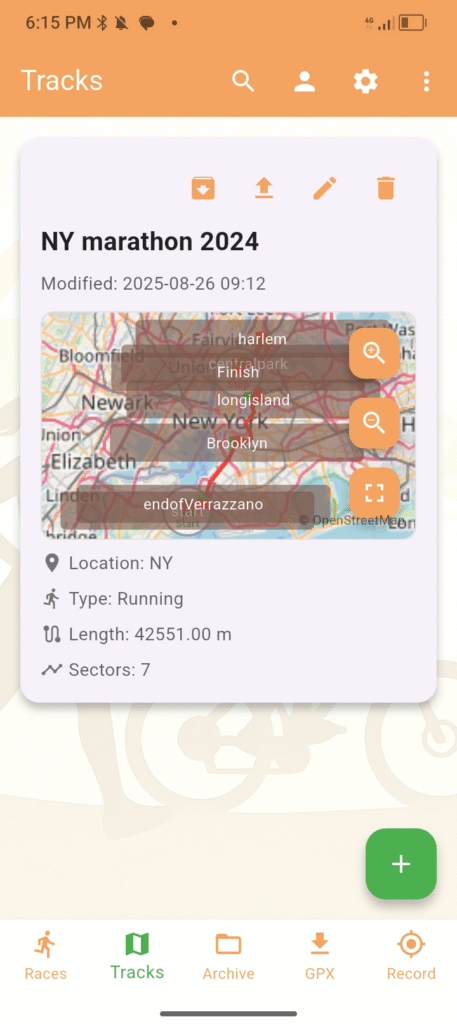
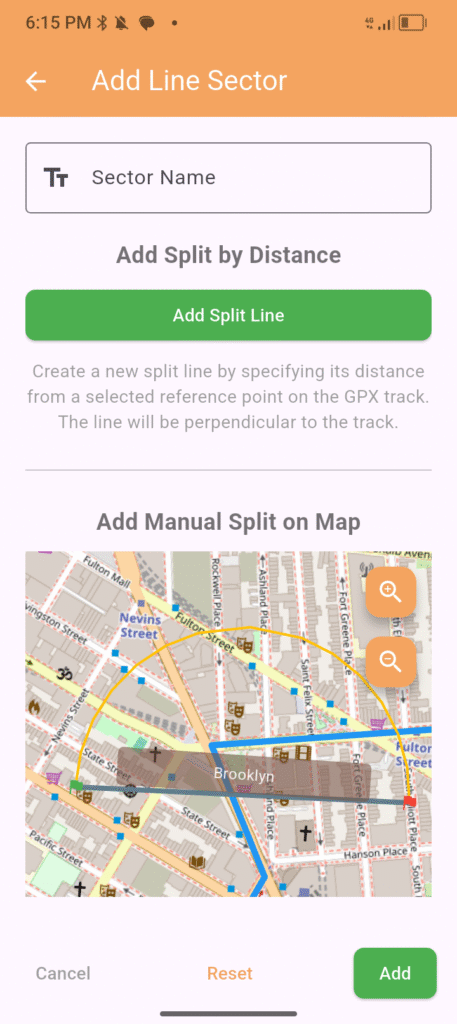
Within the app, you can easily draw and save your personalized routes. This includes defining a start line, a finish line, and, if you like, intermediate sectors for measuring split times. These “tracks” form the base for your races.
Set intermediate sectors for measuring split times. At the end you will have “tracks” that form the base for your races.
Set Up Friendly Races:
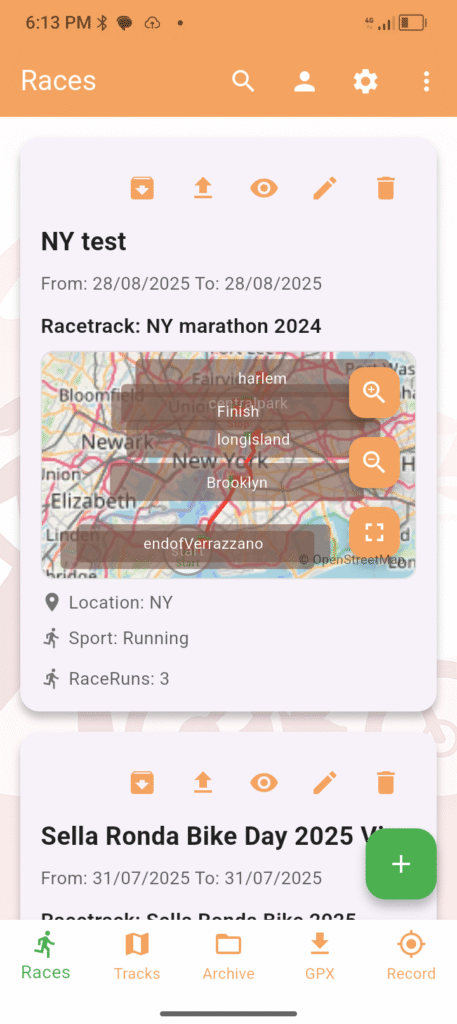
Once you’ve created a track, you can use it to set up a “race.” You can decide how many laps to do and then invite friends to participate or simply record your own performance.
Track Your Performance:
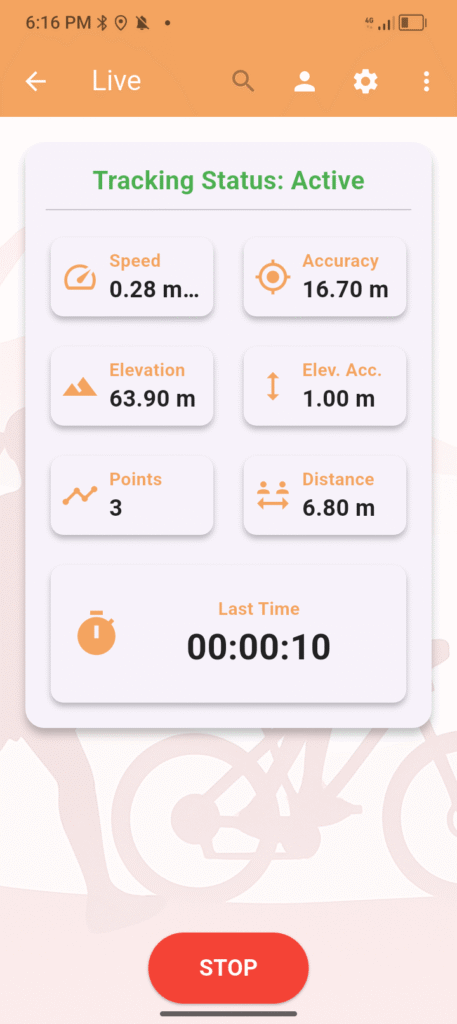
CronZeno features a native GPS tracker designed to record your activity. This tracking method produces GPX files with built-in protection against data tampering. While it’s not a bulletproof algorithm, it effectively discourages small-scale cheating, ensuring the integrity of your results and a fair challenge for everyone.
Importing GPX Files:
You can also import GPX activity files from other sources. Simply import a GPX file directly from your device. The app will automatically recognize and “trim” your track to match the laps of your defined course, making it easy to use your existing data.
In the future, we’re working on direct integrations to allow you to import your tracks seamlessly from other popular tracking apps.
Analyze Results:
After uploading a track, CronZeno calculates your results: total time, average speed, and individual lap times.
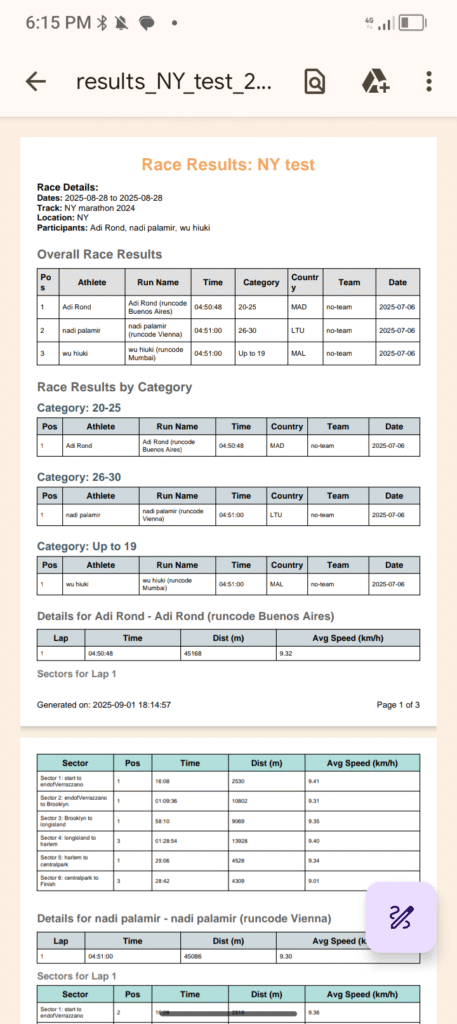
If you’ve defined intermediate sectors on your track, the app will also show you your specific speeds and times for each of them. This helps you understand where you performed best or where you can improve.
Visualize Tracks & Runs on the Map:
You can view both your defined tracks and the GPX traces of your activities on an interactive map. It’s useful for visualizing the route and how it overlaps with the sectors you’ve set up.
Export Data:
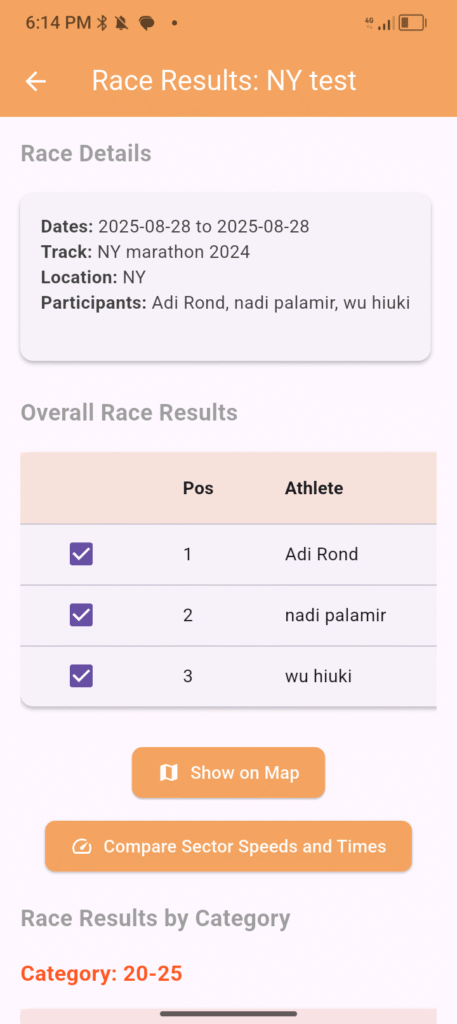
Need a copy of your results? You can export them in PDF format, ready for printing or sharing.
If you want to analyze the data in detail with a spreadsheet, you can also export it in CSV format.
Manage Athletes & Teams:
You can create and manage athlete profiles (including your own!) with details like age category and nationality.
If you compete in groups, you can associate your runs with a team.
Go Online ☀ (Optional)
All core features work fully offline. When you want to share results or compete with others beyond your local group, CronZeno offers optional online functions through a free account.
Publish Your Tracks
Make your custom tracks available to the community. Other users can discover, download, and race on your routes — no setup required on their end.
Publish Races & Leaderboards
Publish a race to generate a shared online leaderboard. Participants upload their own results independently; CronZeno merges them and ranks everyone automatically. You can publish a race as public (visible to everyone) or team-restricted (visible only to your team members).
Browse the Community
Explore tracks and races published by other users. Download a track with a single tap and start racing it immediately, or download a full race — including all participants’ results — to analyze and compare.
Role System
CronZeno uses a lightweight trust-based role system:
- Athlete (default) — publish tracks, join public or team races, upload your own results.
- Team Manager — endorsed by 2+ athletes; can publish team-restricted races.
- Race Master — endorsed by N+ Team Managers (as shown in the app); can publish fully public races open to the entire community.
Roles are cumulative and earned through peer endorsement — no central gatekeeping.